
December 2025 Update
Facility-Based Print Files, Enhanced Customer Portal and Design Transfer
December was all about scalability and reusability. Many of the new features are particularly aimed at larger setups, where multiple productions, repeat customers, and complex orders come together.
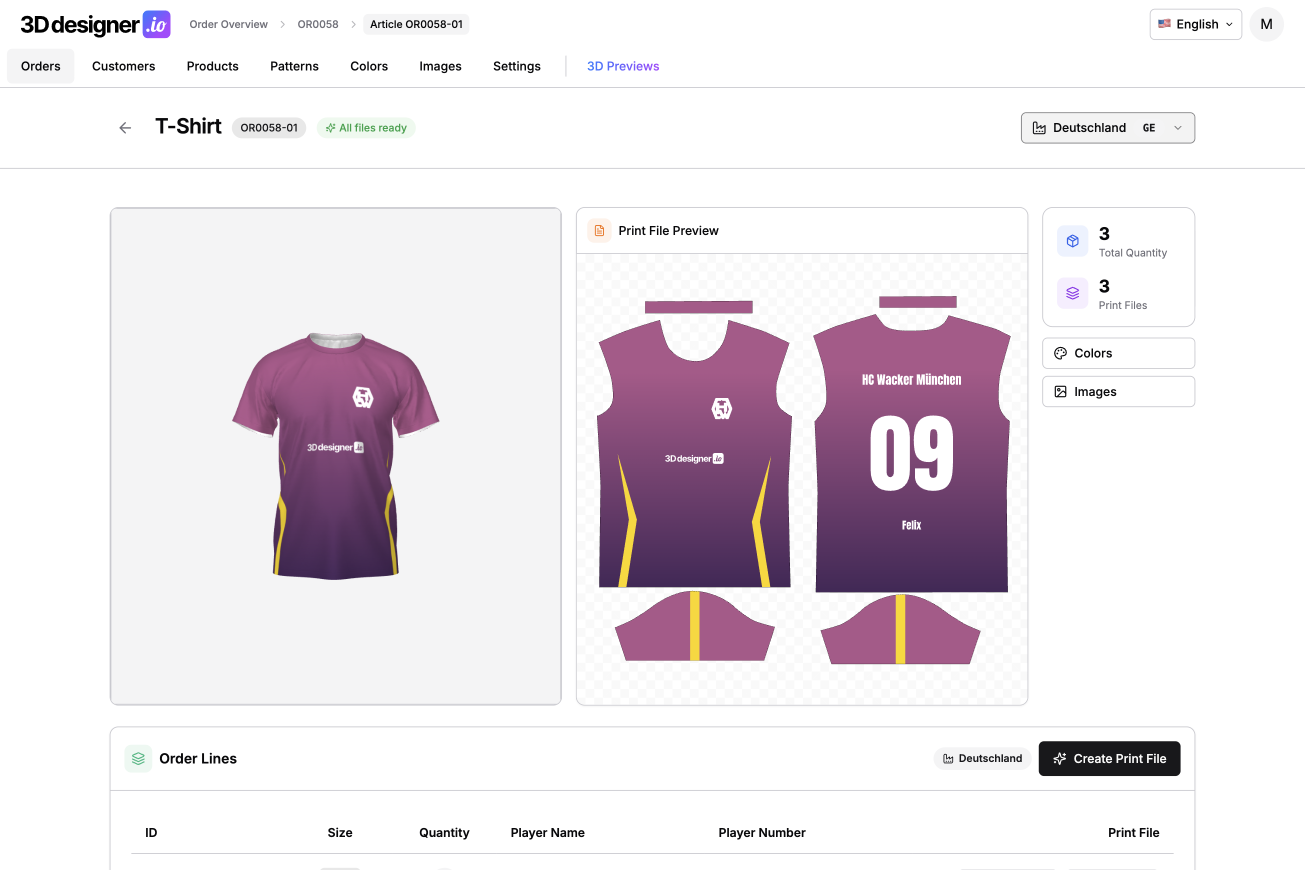
Facility-Based Print Files for Maximum Color Accuracy
For enterprise customers with high quality requirements, color accuracy is critical. In larger companies especially, it's common to work with multiple production facilities. A European manufacturer uses different printers and different colors than an Asian production facility.
To still achieve visually identical results, different CMYK values for the same color are needed for each facility. This scenario can now be mapped in the Designer.
You can now set up multiple facilities. For each color, you can store different CMYK values per facility. When placing an order, you can select which facility each individual product should be produced at.
The system automatically creates a print PDF with the appropriate color profiles and correct CMYK values for the selected facility. Manual adjustments in the print preparation process are completely eliminated.
Different Images for Product and Empty Design
The product image and empty design don't always have to be identical. These can now be managed separately.
For example, you can use a real product photo for your shop while using a more neutral image in the Designer for an empty design, which works better for design purposes.
Customer Portal with Team Management
The customer portal has been further expanded. Customers can now view their previous orders and reorder them.
Additionally, there is now team management. This is particularly relevant for clubs or companies that regularly place team orders with the same people. Teams are maintained centrally and can be easily selected for new orders without having to re-enter all the data.
Customer Overview in Admin Dashboard
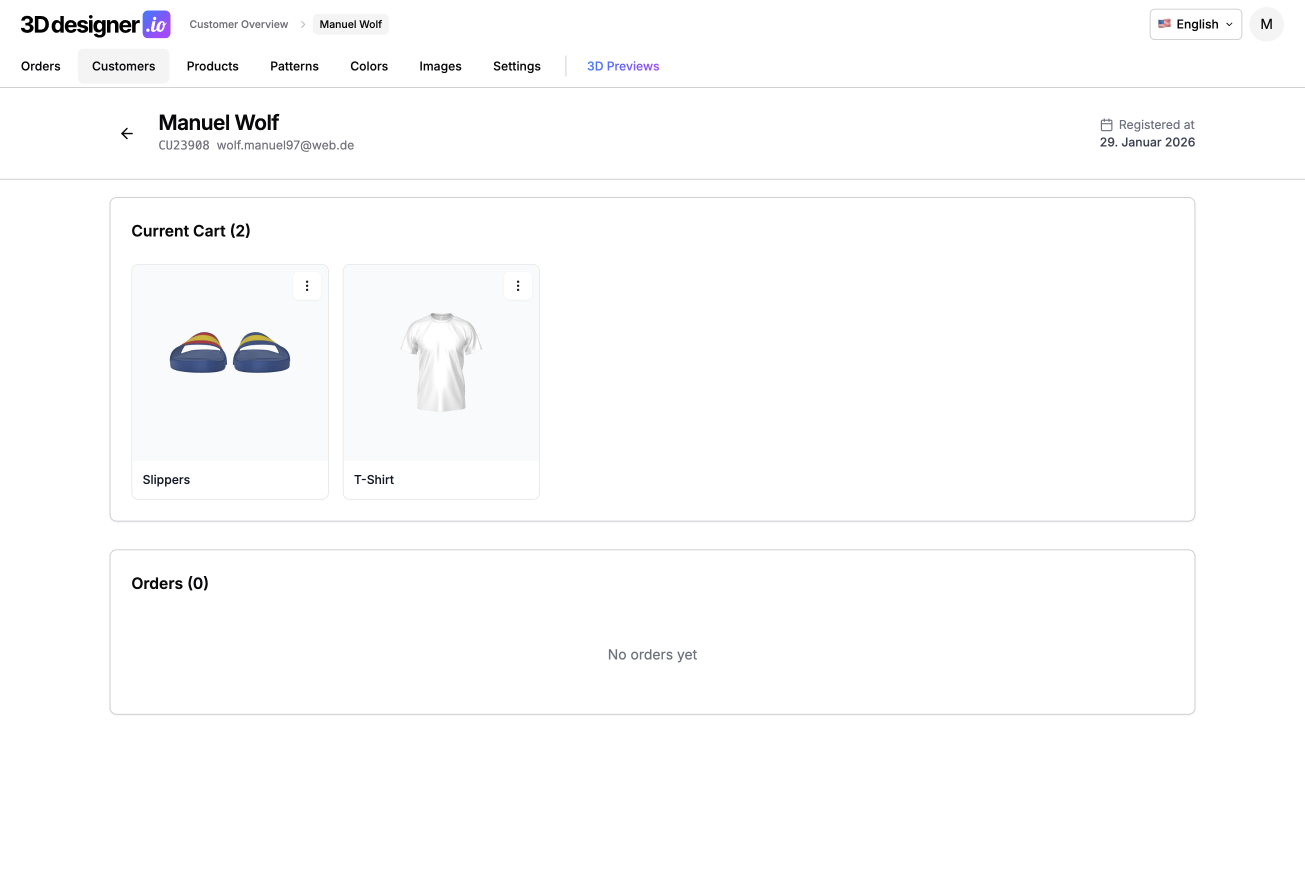
The admin dashboard now has a dedicated customer overview. There you can see the current shopping cart for each customer as well as previous orders.
This significantly simplifies support, consultation, and tracking of ongoing projects, especially for repeat customers.
Screenshots in WooCommerce Shopping Cart
Design screenshots are now also transferred to WooCommerce. This means individual designs are visible directly in the WooCommerce shopping cart.
Customers can clearly identify their products and see exactly which design they are ordering.
Transfer Designs to Other Products
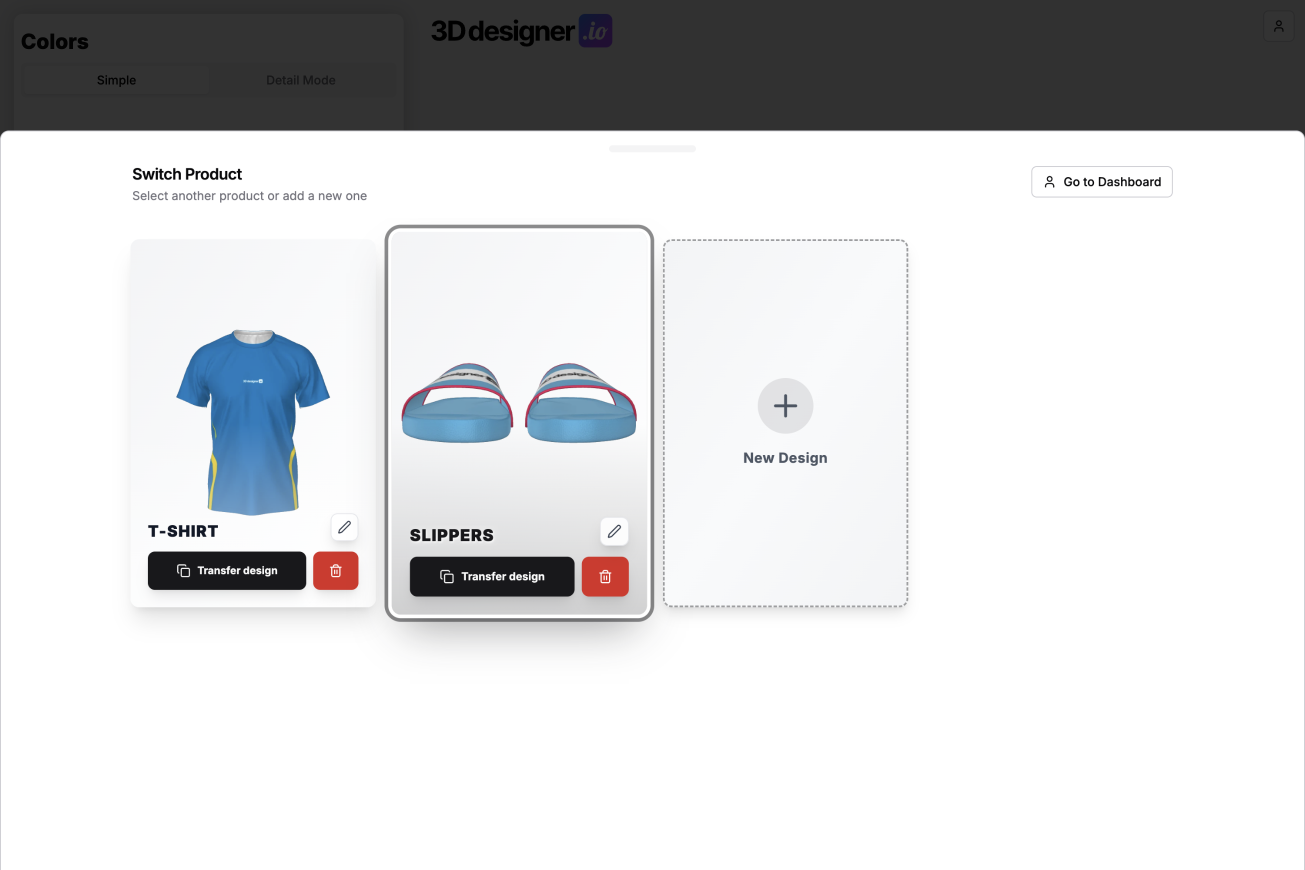
Also new is the ability to transfer designs. A design can be transferred from one product to another or duplicated within the same product.
Typical use cases include transferring a design from a t-shirt to a jacket or creating home and away jerseys based on the same design. Colors can then be easily adjusted. Designs, patterns, logos, and text are completely transferred.
Conclusion
The December update brings many features that save time and prevent errors, especially in larger setups. Facility-based print files ensure consistent color quality, the enhanced customer portal makes reordering easier, team management and design transfer make working with series and variants much more efficient.