
June 2025 Update
3D Preview Pro: Multiple Products, Release and Additional Info
In June, we specifically expanded the 3D Previewer for more complex B2B processes. With 3D Preview Pro, we're adding features that play a major role especially in sets, variant comparisons, and binding approvals.
Multiple Products in a Single 3D Preview
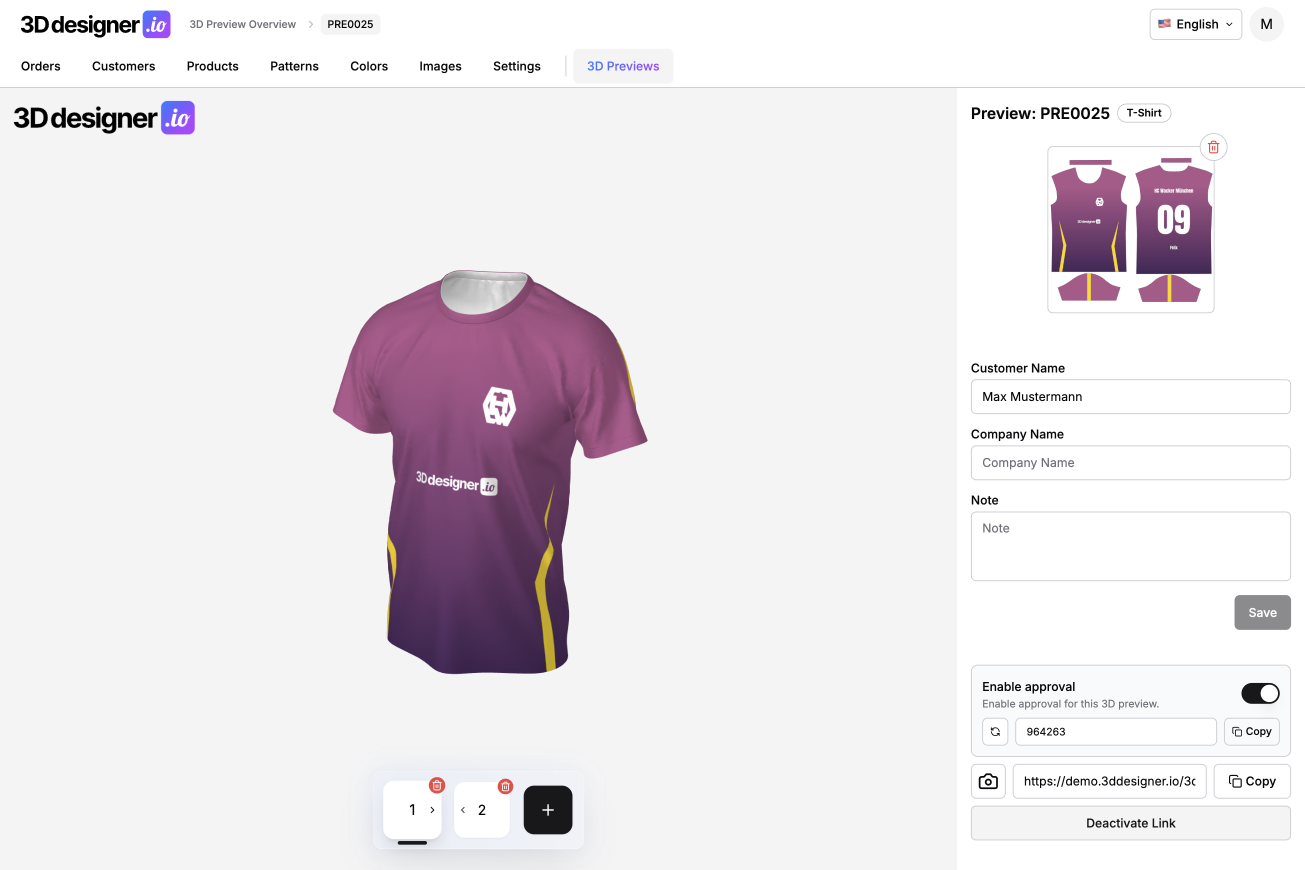
With 3D Preview Pro, multiple products can now be combined in a single preview link. Customers can switch between products with a single click and compare them directly with each other.
This is particularly useful if you offer complete sets, such as jersey, pants, jacket and hat, or if you want to show different versions of a product. Instead of sending multiple links, a single, clear entry point is sufficient.
Release Function for Binding Decisions
New is also the optional release function. For a preview, a release button can be activated, through which the customer officially confirms the design.
This turns the mere preview into a clear approval step. You have a definitive confirmation that the displayed design has been approved, and you can build on that to initiate the next steps. Especially with personalized products or larger orders, this provides additional security for both sides.
Additional Information in Preview, for Example Packaging
The 3D Previewer has also been extended to allow additional information to be added. This includes, for example, information or files related to packaging.
This is especially relevant in the B2B environment, when in addition to the product itself, custom packaging is also part of the offer. Customers can thus see not only the personalized product, but also all relevant additional information in one central location.
Conclusion
With 3D Preview Pro, the previewer becomes much more than just a visualization. Multiple products in one link, clear approvals, and additional information make it a true coordination and decision-making tool, especially for complex projects and larger orders.